
Buyer Guide · 9 min read
Flip vs. sliding vs. multi-axis kinetic LED walls.
Three systems can create a moving LED wall, but they solve different spatial and visual problems. Compare the motion, content behavior and project fit before requesting a quotation.
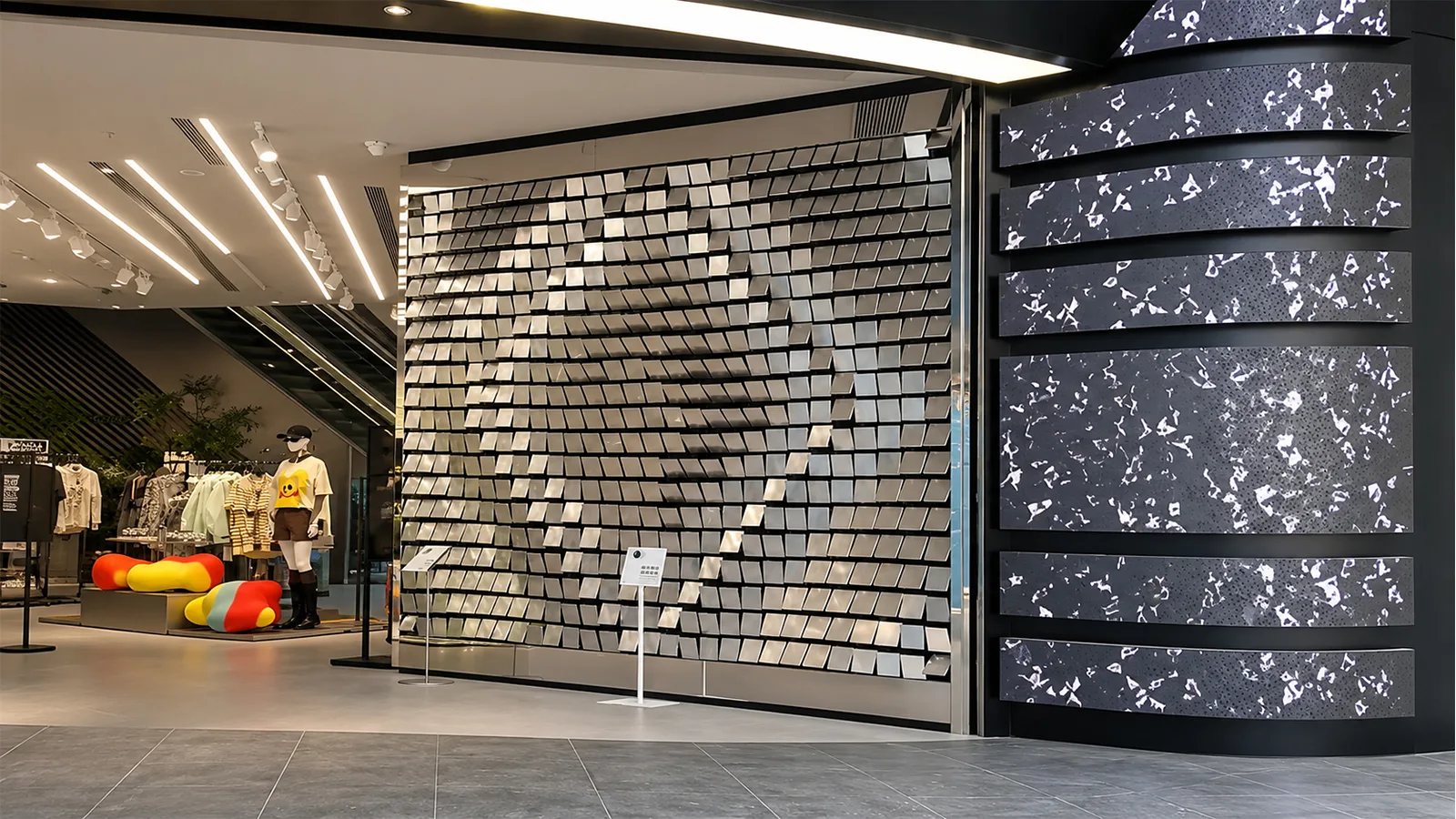
A kinetic LED wall is not one product. It can be a field of rotating panels, a group of screens travelling on rails, or a multi-axis assembly in which separate display elements follow different paths. The right choice depends on what the wall should do in the space—not on which mechanism looks most dramatic in a short video.
This guide compares the three routes most often discussed during early project planning: flip or rotating walls, sliding screens and multi-axis kinetic walls. It also answers a common question: can a single video remain continuous while the screen moves?
For transformation
Best when the display should alternate between faces, patterns or architectural states.
For reveal and travel
Best when screens should part, overlap or move along a physical story or product display.
For spatial choreography
Best when independent elements must create depth, layered motion or several coordinated paths.
The short comparison
| Decision point | Flip / rotating | Sliding | Multi-axis |
|---|---|---|---|
| Primary motion | Panels rotate around a defined shaft or pivot | Complete screens or panels travel on straight, curved or vertical rails | Independent elements combine two or more programmed movements |
| Visual strength | Transformation, changing faces and rhythmic patterns | Opening, closing, reveal, comparison and guided storytelling | Depth, sculptural movement and complex choreography |
| Continuous flat image | Strong in the aligned display state | Strong when panels meet in the designed home position | Possible in a defined alignment state; movement is normally content-led |
| Space requirement | Rotation clearance around each moving element | Rail travel and a parking, overlap or reveal zone | Depth plus clearance around every programmed path |
| Engineering level | Project-configured | Project-configured | Highest customization of the three |
| Typical use | Retail features, entrances, brand installations and stage reveals | Museums, showrooms, corporate story walls and stage openings | Flagship spaces, launches, performance sets and kinetic art |
1. Flip or rotating kinetic LED wall
A flip or rotating wall uses repeated panels that turn around a defined axis. Depending on the concept, a panel may carry LED on one face, LED on more than one face, or a mixture of digital and physical finishes. The system can move as one synchronized surface or divide the panels into groups for waves and alternating patterns.
This route is strongest when the creative idea is about transformation: a media wall becomes an opening, one visual face changes into another, or a flat composition breaks into a physical rhythm. When the panels return to their designed alignment, they can again behave as a conventional display surface.
Flip systems need clearance for the rotating geometry. The panel size, pivot position and surrounding finishes therefore influence the mechanism from the start. They are a good fit when the motion itself should be visible and repeatable, rather than hidden behind the content.
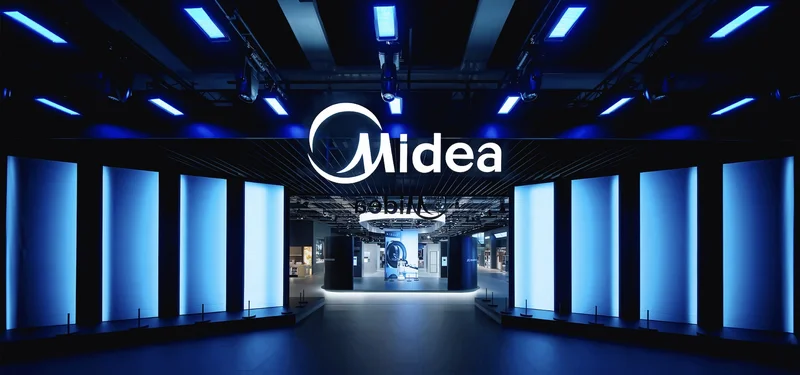
Use this reference to discuss the desired transformation, panel rhythm and final aligned state.
2. Sliding kinetic LED wall
A sliding system moves complete displays or display sections along a guided path. The rail can be straight, curved or vertical, and multiple screens can move independently or in synchronized groups. Instead of changing the face of a panel, sliding changes the screen’s position in the room.
This makes sliding screens especially useful for reveal and storytelling. A screen can uncover a product, follow a physical timeline, expose a second display layer or open an entrance. It can also stop at programmed points that correspond with objects, graphics or interactive triggers.
The main planning constraint is travel space. A screen that slides aside needs somewhere to go: beside another panel, behind an architectural surface, or into a dedicated parking zone. A sliding solution is often easier to understand visually than a multi-axis wall, but its rail, support and cable-management path still need to be designed around the real load and travel.
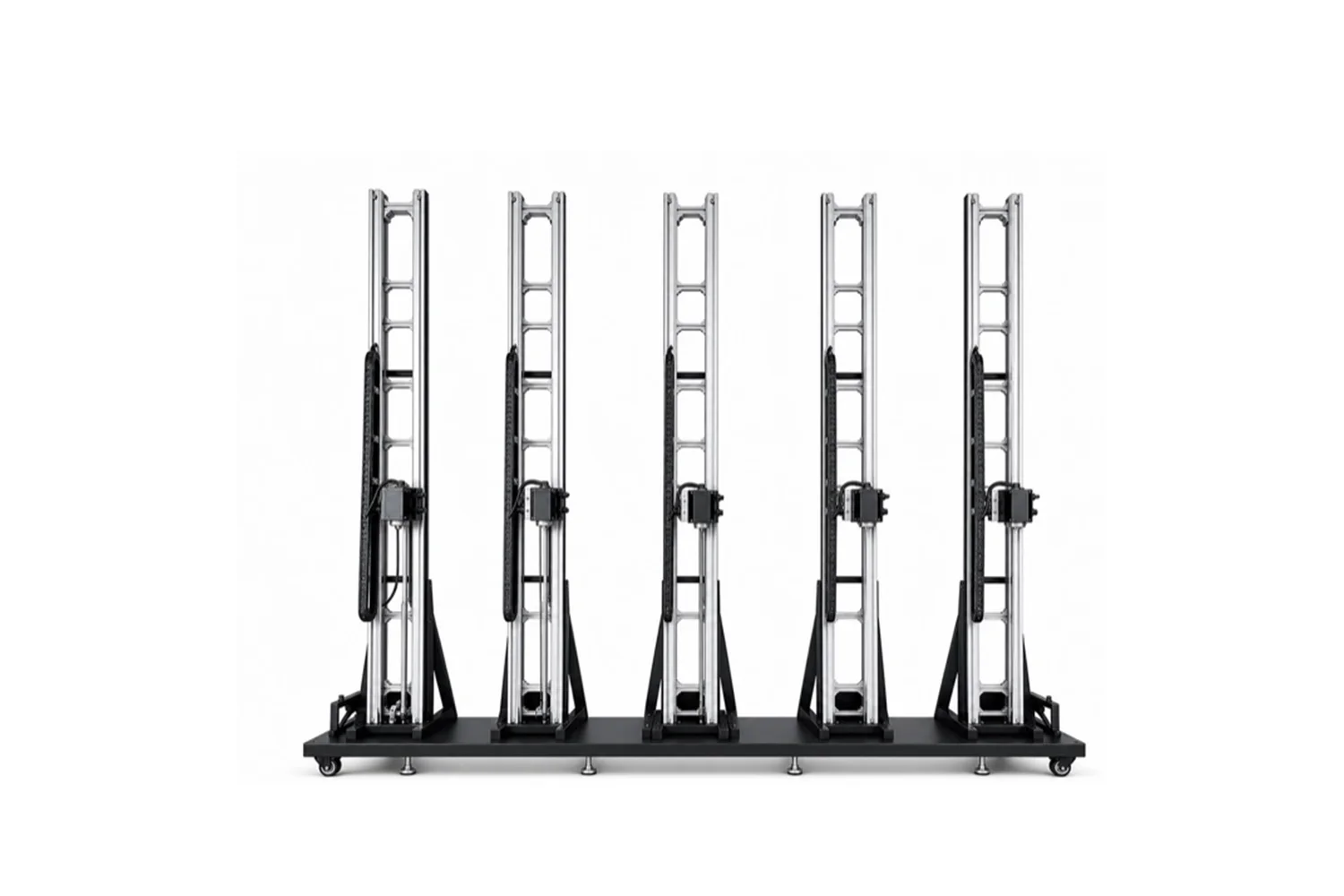
A practical reference for opening, closing and controlled horizontal travel.
A second reference for comparing screen grouping and movement timing.
3. Multi-axis kinetic LED wall
“Multi-axis” is a project description rather than one standardized mechanism. It normally means that individual screens or modules have more than one controllable movement, or that different parts of the wall follow different axes within one synchronized scene.
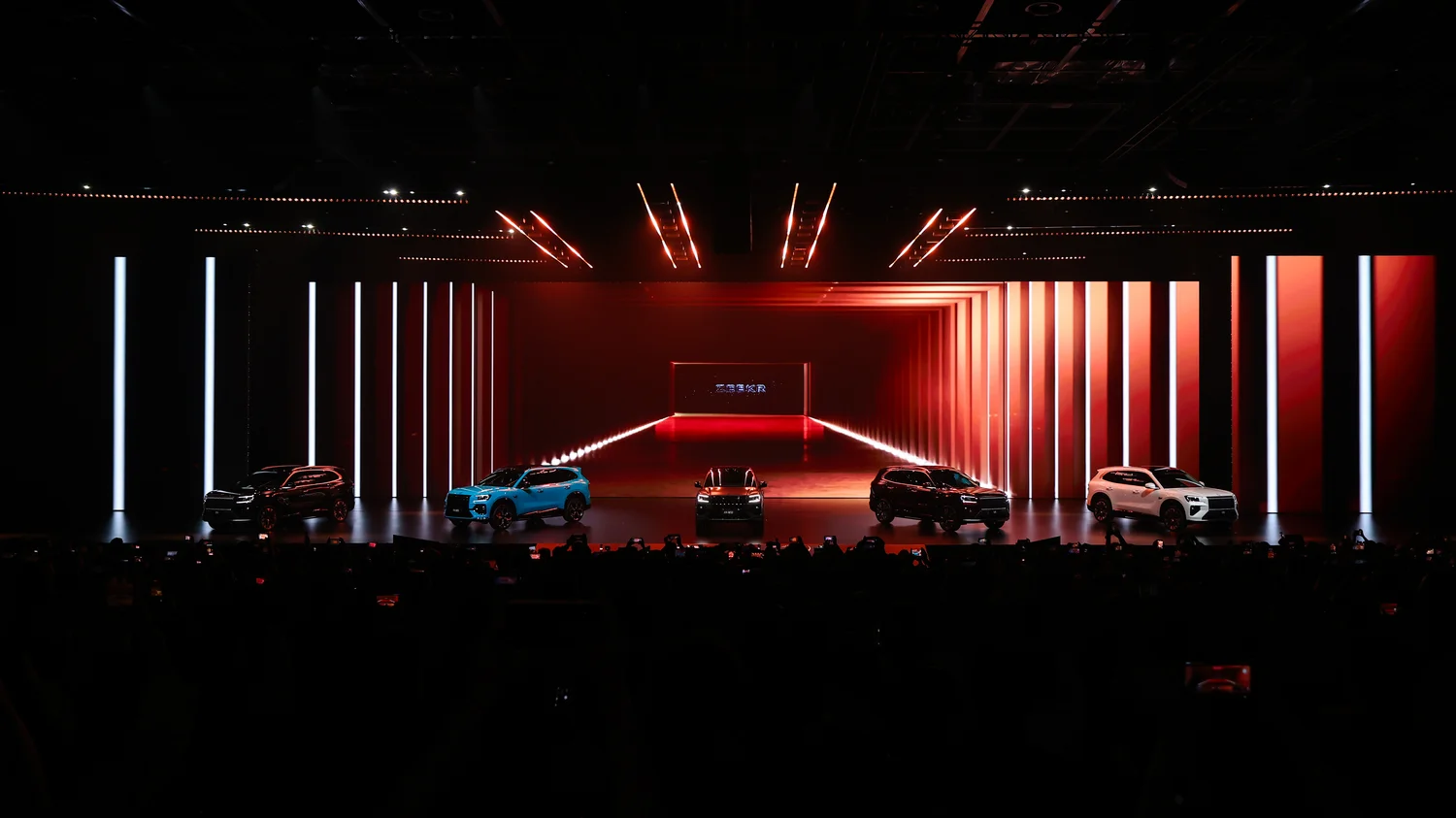
This route offers the greatest creative freedom. Panels can form a flat wall, separate into layers, change depth or combine linear and rotational movement. The result can feel more like a moving sculpture than a screen mounted on machinery.
That freedom also creates the highest engineering and content workload. Every path needs a defined home position, clearance envelope and programmed relationship with the other axes. The media should be designed around those states; simply playing a normal 16:9 video rarely uses a multi-axis installation well.
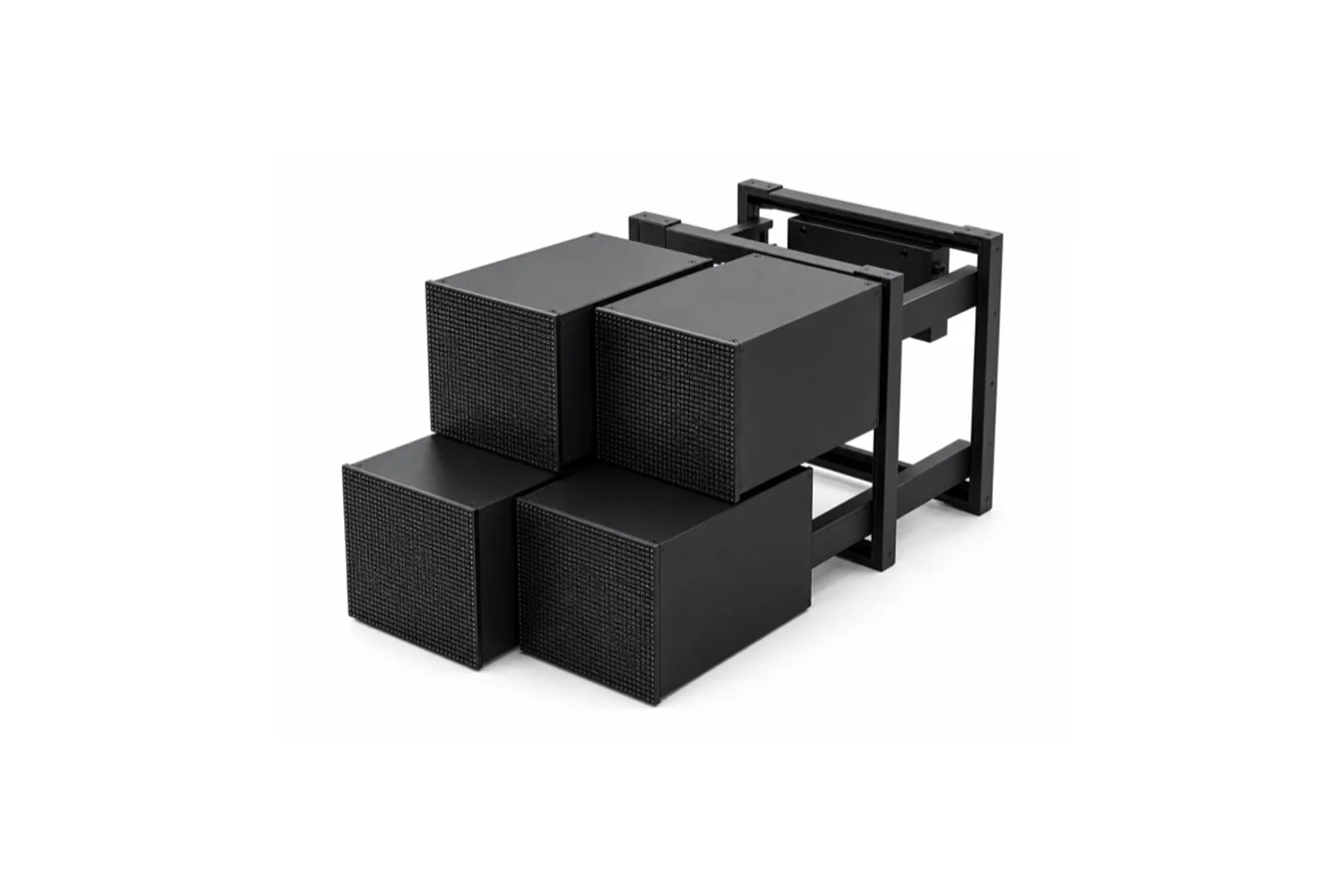
Use this reference to identify the number of moving groups and the required spatial depth.
A reference for synchronized movement across multiple display elements.
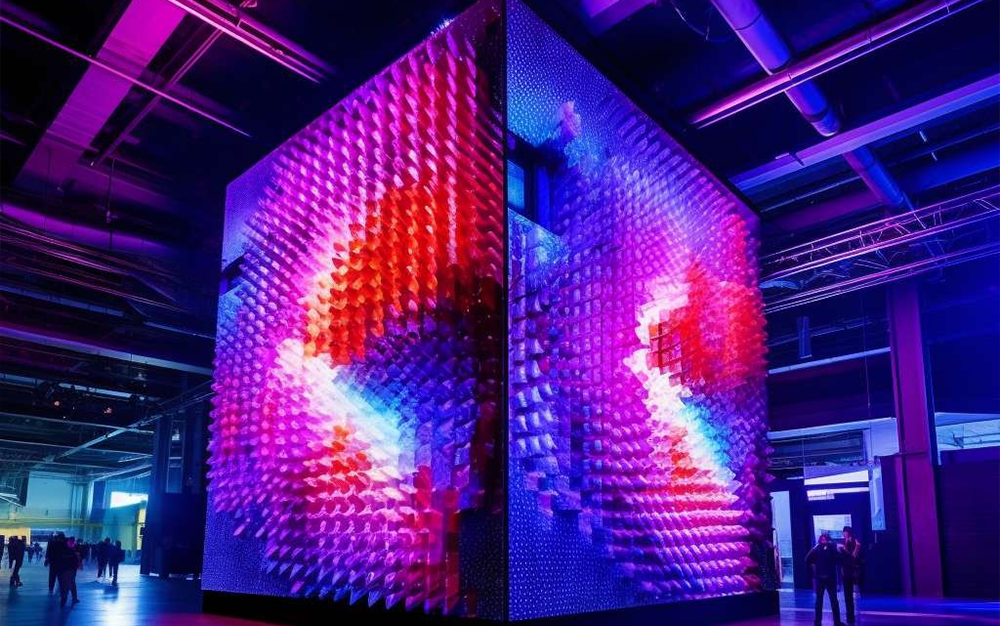
Can one video stay continuous while the LED wall moves?
Yes, in the wall’s designed alignment state. When the LED sections meet in a known flat layout, the processor can map them as one canvas and display a continuous image, subject to the final cabinet grid and seam design.
During movement, “continuous” has a different meaning. If panels rotate, separate or move to different depths, a normal flat video will also separate across those physical surfaces. The video signal can continue without interruption, but the audience will no longer see one flat rectangle.
The strongest result comes from designing content and motion together:
- Use full-frame video when the wall is closed or aligned.
- Use panel-aware graphics, repeated textures or isolated subjects during movement.
- Place important text and faces away from moving seams.
- Trigger content changes at defined mechanical positions.
- Return to a mapped home state before showing detailed full-screen information.
Example: an 18 × 13 ft indoor LED wall
An 18 × 13 ft wall is approximately 5.49 × 3.96 m, or 21.7 m² before the final cabinet grid is confirmed. For an indoor project considering P1.8 or P2.5, all three motion routes may be possible, but they lead to different designs.
| If the priority is… | Start with… | Reason |
|---|---|---|
| A front-facing media wall that transforms into a repeated kinetic pattern | Flip / rotating | The aligned and transformed states can be designed as the two main visual moments. |
| A wall that opens, reveals an object or travels along an exhibit | Sliding | The path gives the movement a clear spatial purpose. |
| A signature installation with layered depth and multiple independent movements | Multi-axis | It provides the greatest choreography range, with more engineering and custom content. |
P1.8 is normally considered when viewers will stand closer or the content contains fine detail. P2.5 may be the more efficient choice at a longer viewing distance. The final pitch should be selected together with the real cabinet layout, viewing distance and motion concept—not as a separate decision.
Which system should you choose?
Choose the motion that supports the moment you want the audience to experience:
- Flip / rotating: “The wall changes character.”
- Sliding: “The wall moves to reveal or guide.”
- Multi-axis: “The wall becomes a moving spatial object.”
You do not need to define every motor, sensor or control detail before asking for a quotation. Select the closest motion reference and send the approximate display area, project location and customization goal. Joeqing can then configure the appropriate LED, structure and control scope around the project.
Frequently asked questions
Which kinetic LED wall is the most economical?
There is no universal answer, but a single-axis, repeated mechanism is usually easier to configure than a heavily customized multi-axis assembly. Size, load, travel and supply scope can change the comparison.
Can the screen use P1.8 or P2.5 LED?
Yes, subject to the selected cabinet or module layout and the moving structure. Pixel pitch should follow viewing distance and content detail.
Can an existing LED supplier provide the display?
Yes. A project may be supplied as a complete LED-and-motion system or as a project-configured mechanical and control structure for integration with another LED supplier.
Can the same wall show normal advertising content?
Yes. The most straightforward state is the designed flat or aligned position. Motion sequences should use content prepared for the moving geometry.
What is needed for an initial quotation?
Choose the preferred motion route and provide the approximate display area, destination and customization requirement. Detailed engineering inputs can follow after the route is shortlisted.
Choose the motion. We will configure the system.
Send the preferred reference, approximate display area, project location and customization goal for a project-specific quotation.