
Guided motion · Interactive display
Sliding LED Screen — Displays That Travel the Wall
Move LED, LCD or OLED displays along straight, curved, vertical or matrix paths, then synchronize position with media, sensors and show-control cues. The rail, servo, safety and interface package is configured around the project.
Engineering response within 8 business hours.
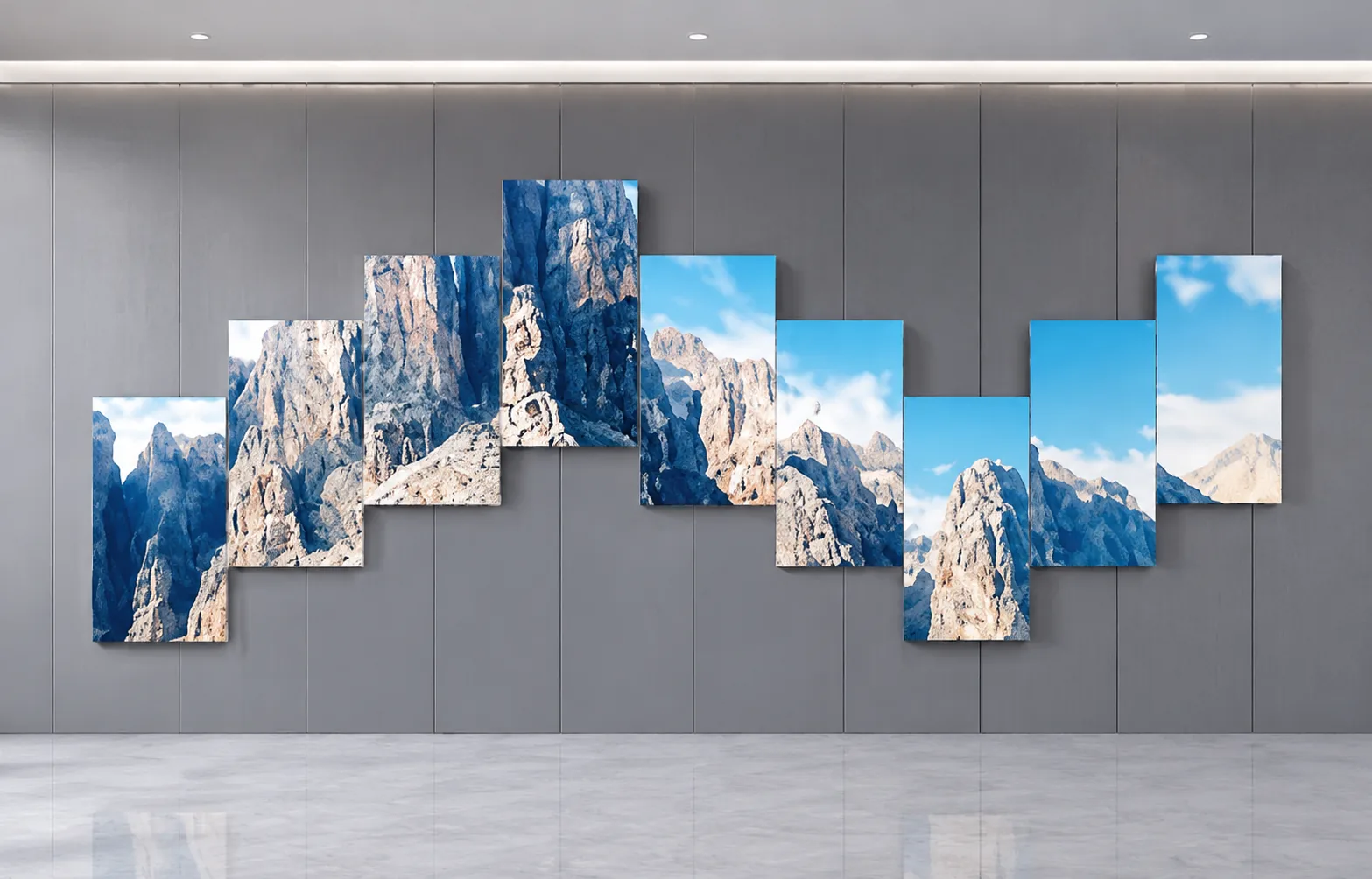
Choose how the sliding screen moves. Then engineer the mechanism.
Every interactive sliding display begins with a different spatial effect. Compare opening, vertical, matrix, rotate-and-slide and robotic motion before defining the rail, load, safety and control architecture.
Turn the concept into
quotable parameters
Display count is only the starting point. Layout, unit dimensions and weight, travel, installation orientation, trigger logic and supply scope determine the motion system.
01 / PROJECT INPUTS
02 / INITIAL CONFIGURATION
3 × 3 Matrix Motion System
Begin engineering review with 9 display units, independent path control and anti-collision logic. Servo drives, rails and structure must be selected using the actual center of gravity and installation method of each display.
Inside a motorized sliding display system.
A sliding LED screen is more than a display on a rail. Displays, motorized tracks, servo drives, protection devices and content control must operate as one project-specific system.
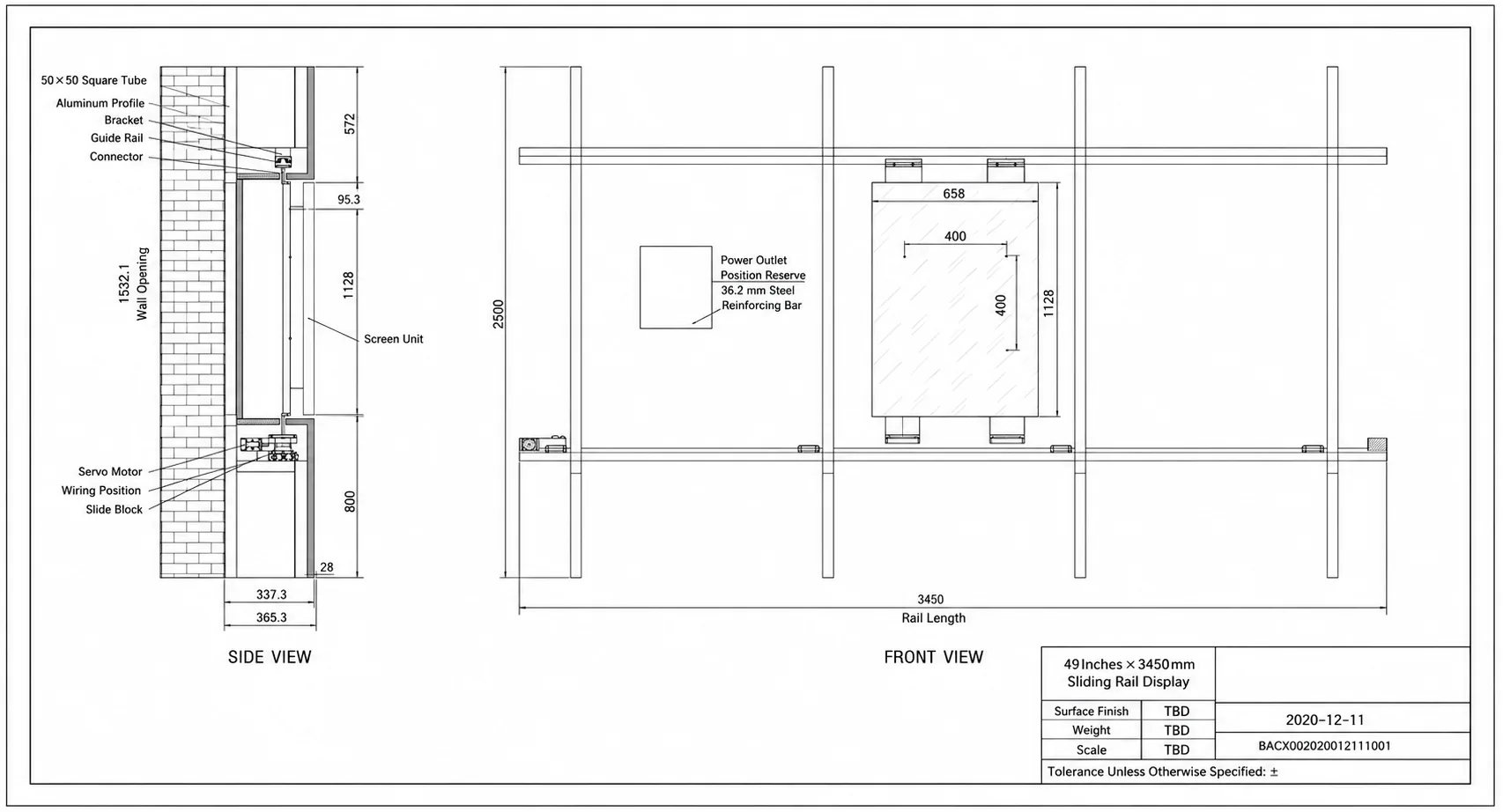
Display Units
LED, LCD video walls, OLED and commercial displays, with quantities and sizes customized by project.
Motorized Rails
Straight, curved, vertical or combined paths, with capacity and travel matched to the display.
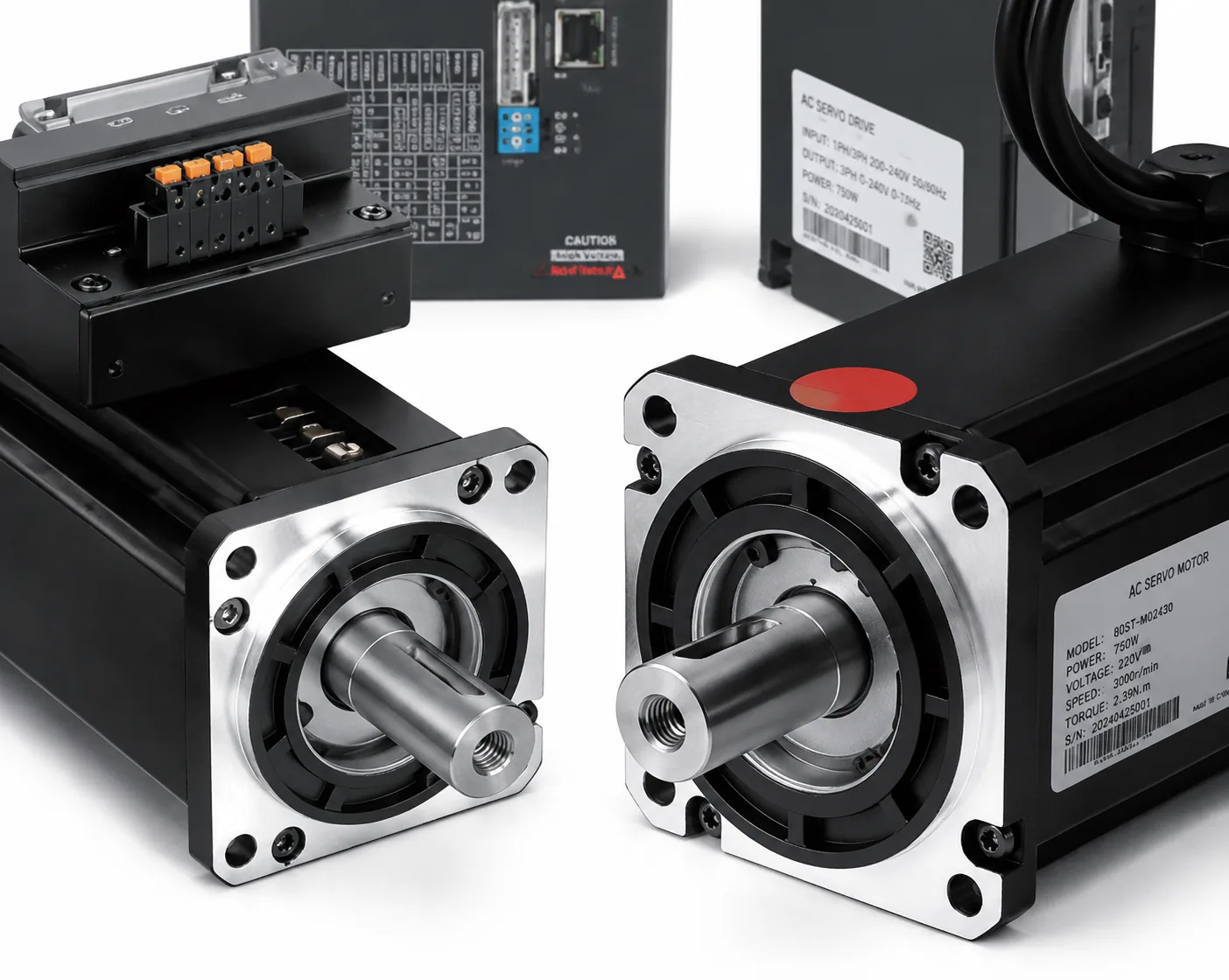
Servo Drives
Controls position, direction and speed for synchronized displays and point-to-point motion.
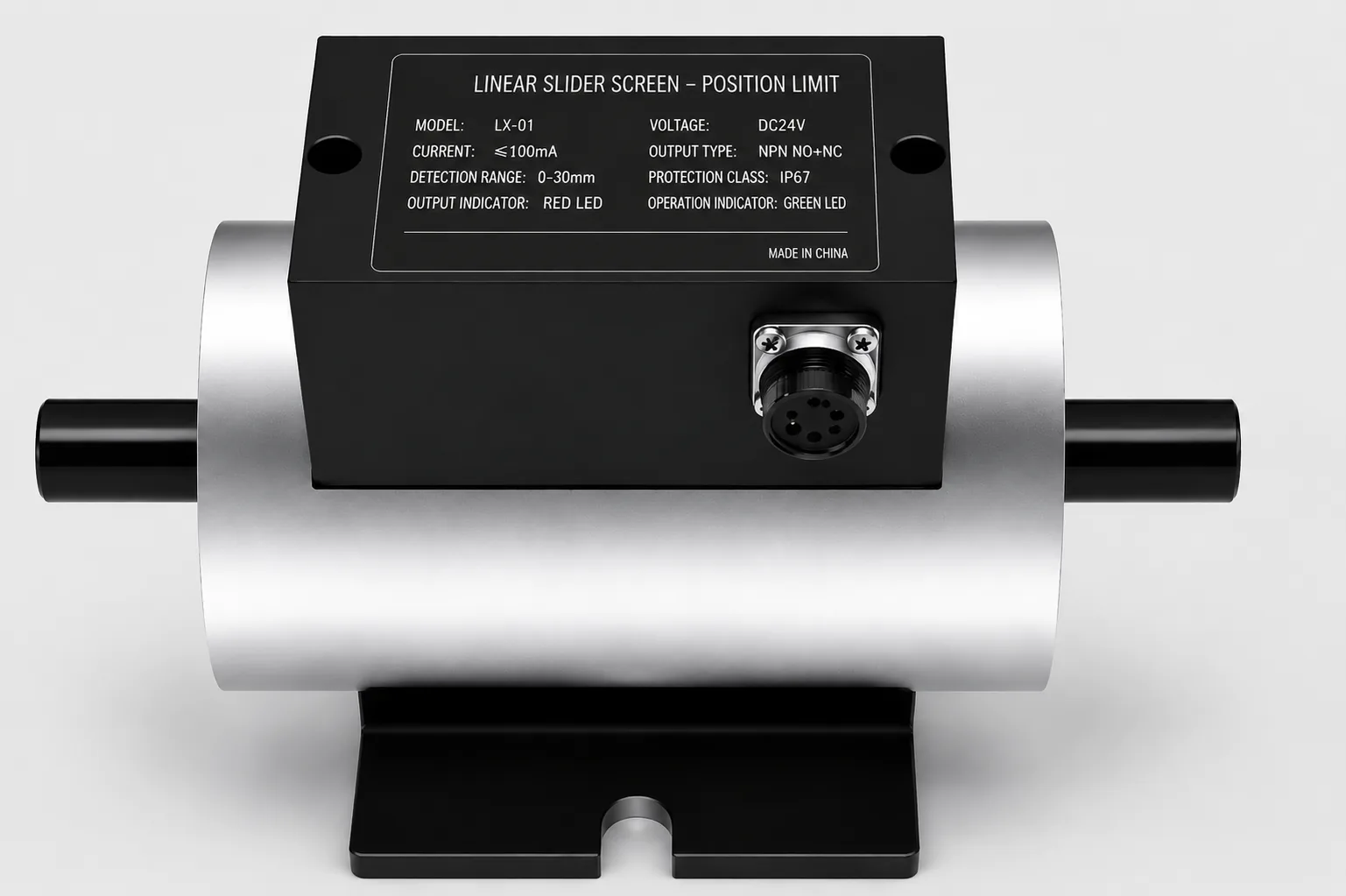
Safety Unit
Anti-collision, limits, emergency stop and access control configured to the motion complexity.
Content & Show Control
Programs paths, recalls scenes and synchronizes display motion with media playback.
System Interface
Reference materials support TCP/UDP control integration; final protocols, commands and status feedback are confirmed by project.
Technical resources
Move from product research to an engineering decision.
Product specification
Reference dimensions, performance, packing and system-interface information.
View / download specificationAsk the engineering AI
Get a quick answer about product selection, inputs or supply scope. Complex questions are handed to WhatsApp.
Joeqing on YouTube
Watch product motion, factory demonstrations and completed kinetic installations.
Open the video channelOne motion system.
Three operating modes.
Operate the installation as a scheduled loop, trigger it through audience interaction, or use manual mode for maintenance and special scenarios.
Auto Loop
Runs continuously by schedule or preset scene for corporate walls, brand lobbies and permanent exhibits.
Sensor Trigger
Recalls a defined path and content when a visitor approaches, touches or completes an interaction.
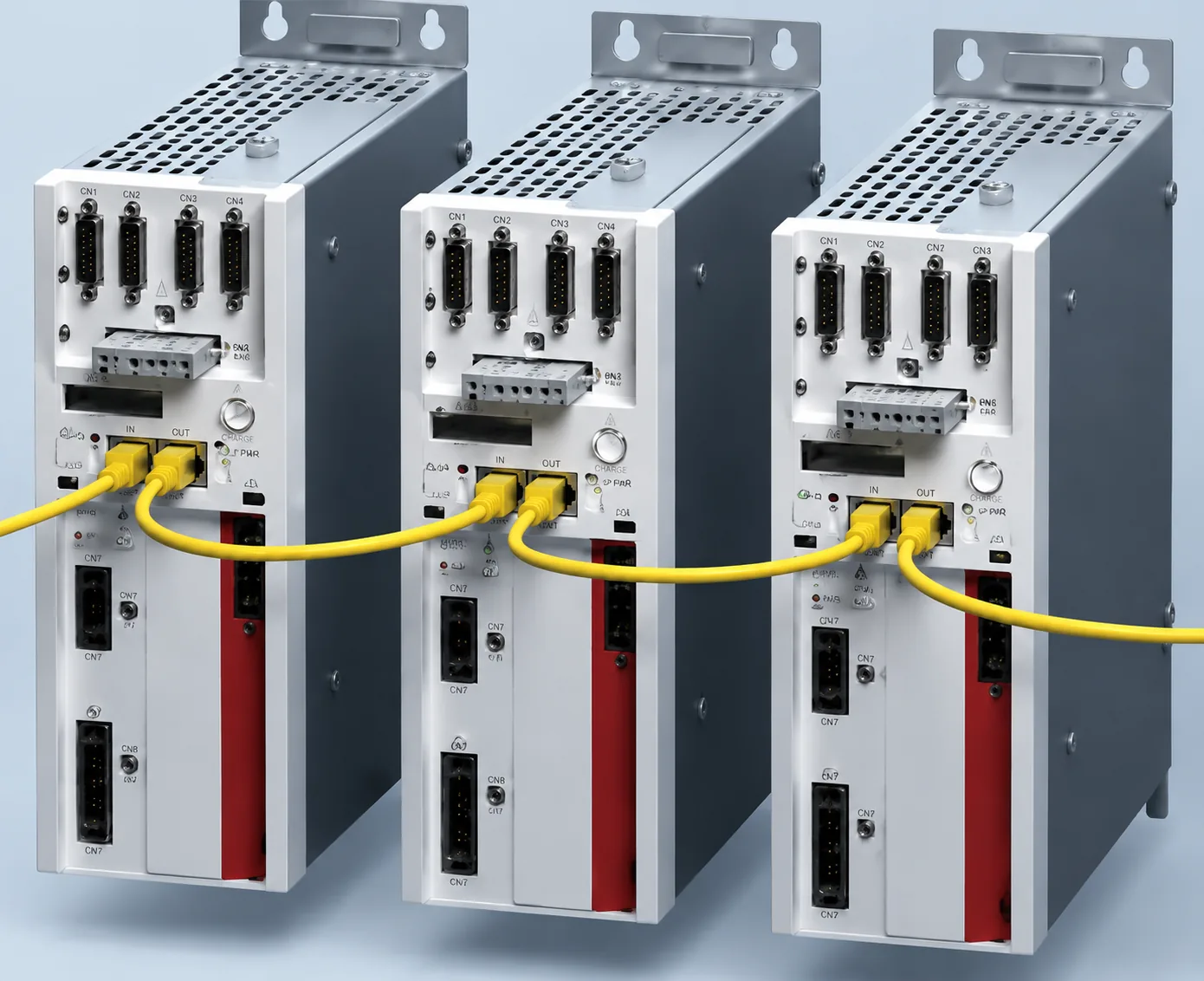
Manual & Maintenance Mode
Supports point-by-point testing, homing, service and emergency operation under separate access permissions.
Interactive museum displays, showrooms and story walls.
The screen moves with purpose: to reveal, compare, follow or reorganize content. This makes the system useful both as an interactive display wall and as a programmable mechanical LED installation.
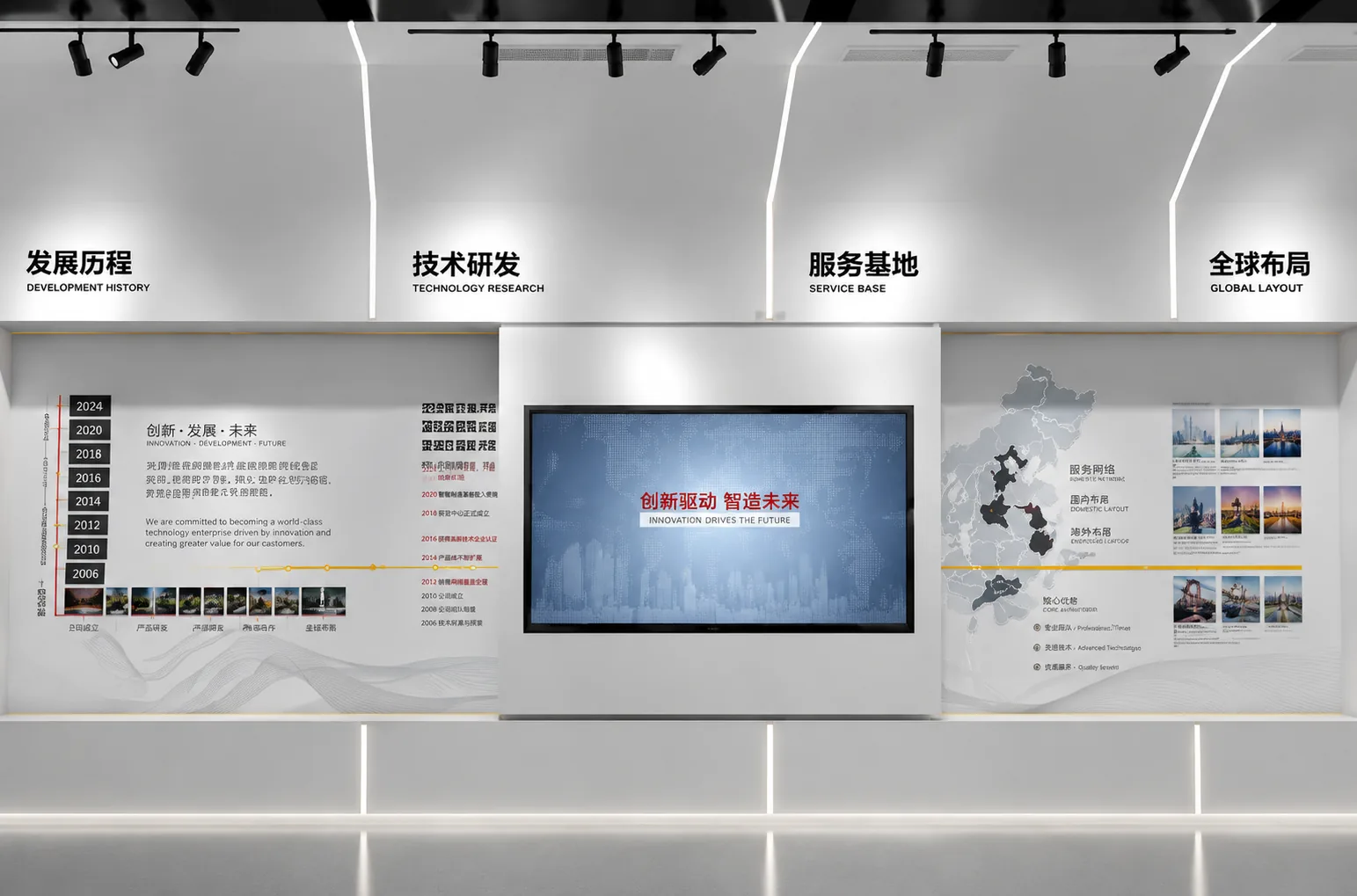
Corporate History Wall
Move along a timeline and connect digital content with physical exhibits
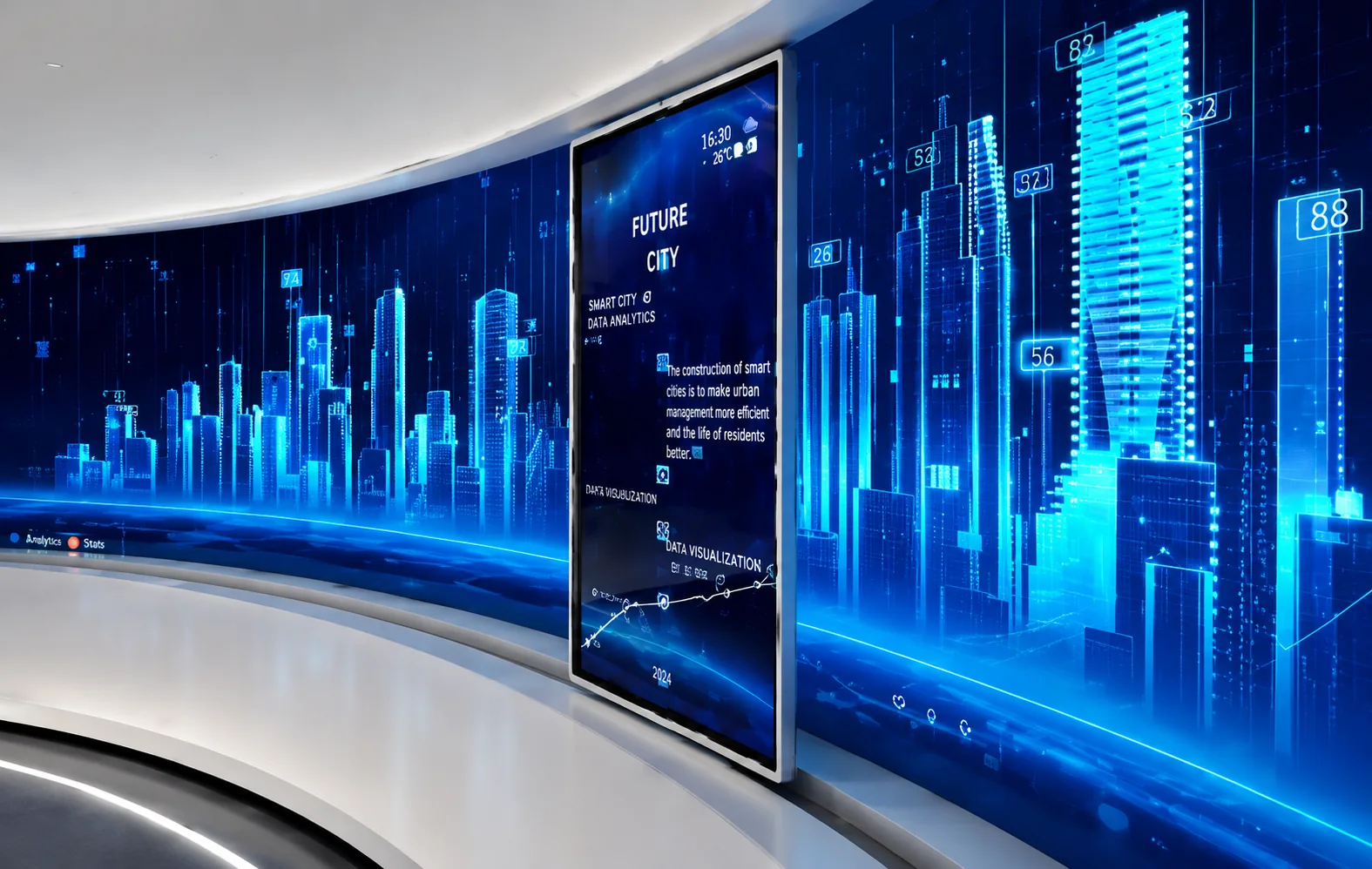
Product & Technology Showcase
Move, reveal and compare to introduce key content progressively
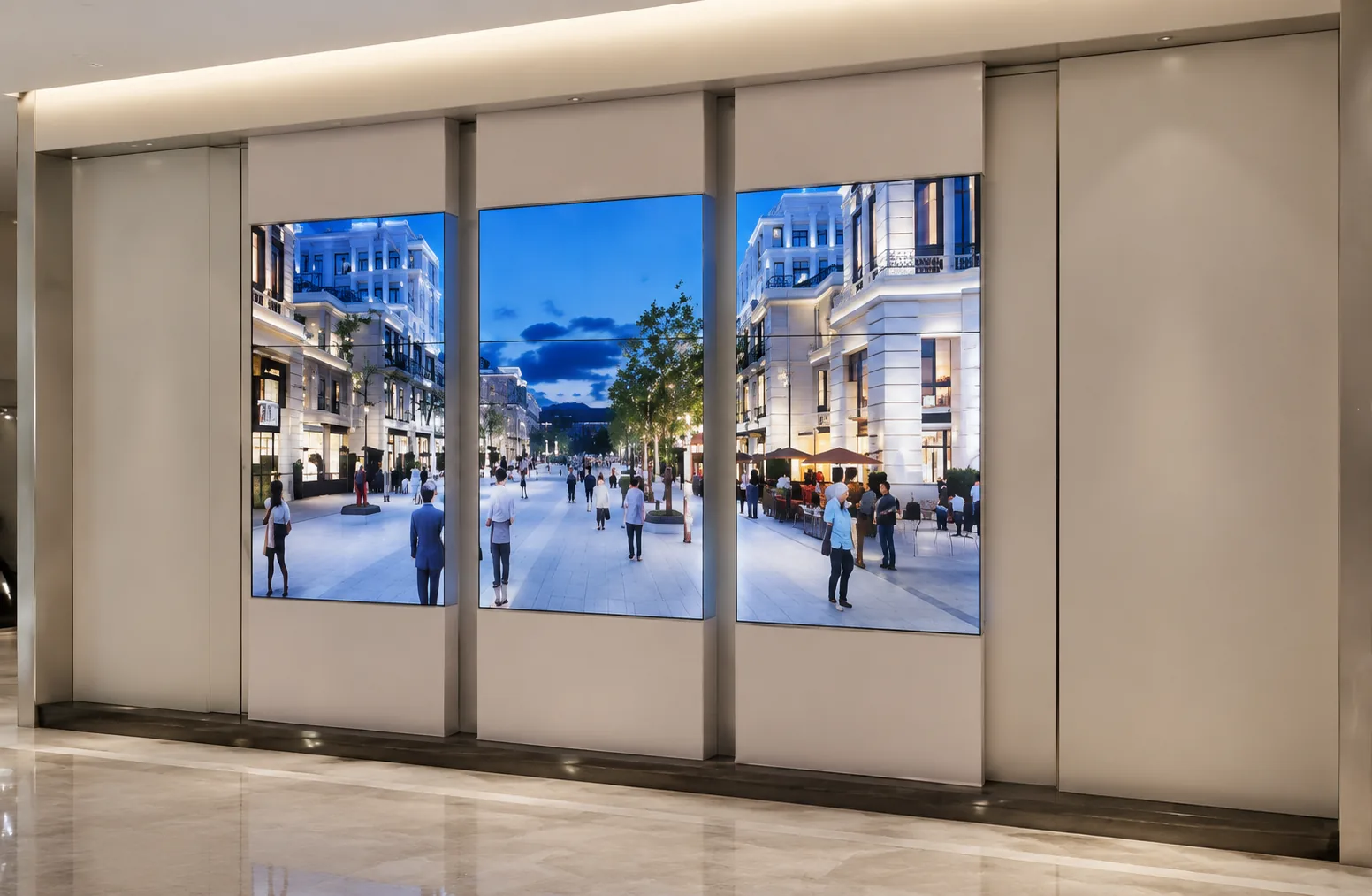
Museums & Visitor Centers
Move digital content along artifacts, maps or historical narratives
Showrooms & Brand Lobbies
Combine daily loops with event scenes to create a memorable focal point
Watch it move
See the system operating in real installations.
Three supply scopes.
Choose the right boundary.
The right supply scope depends on your integration capability. LED companies, exhibit contractors and end users need different deliverables.
Mechanical Rail Module
For professional clients with electrical control and integration capability.
- Rails, carriages and load-bearing structure
- Connectors and mechanical interfaces
- Customized to display weight and travel
- Excludes motion programming and content control
Rail + Servo + Control
For LED companies and exhibit-system integrators.
- Mechanical rails and servo drives
- Limits, anti-collision and motion control
- Basic scenes and control-system interface
- Display content configured by the client
Turnkey Interactive Display
For owners, brands and venue projects.
- Mechanical, electrical and display systems
- Interactive sensing and content synchronization
- Installation, commissioning and operator training
- From motion concept to on-site delivery
Show us how the screen should move.
We will turn it into a system.
Prepare display dimensions, weight, layout, target travel and site drawings to begin the mechanical and control review.
Interactive sliding screen questions, answered.
Use these answers for early project planning, then submit the display drawings, motion requirements and site conditions for detailed engineering.
What is an interactive sliding screen?
It is a display mounted on a guided rail or motion mechanism. Its position can synchronize with video, graphics, physical exhibits or control-system cues to create a moving interactive presentation.
Can the system use LED, LCD or OLED displays?
Yes. We can engineer the motion platform around LED panels, LCD video walls, commercial displays, TVs, OLED units or another custom display. Dimensions, weight, center of gravity, mounting and maintenance access must be confirmed.
Which motion paths are available?
Projects can use horizontal opening and closing, vertical travel, multi-axis matrix paths, rotation combined with sliding, curved rails or a separately assessed robotic-arm solution.
Can screen movement synchronize with content?
Yes. Preset positions and motion cues can be linked to media playback, sensors or a central control system. Final commands, feedback states and third-party protocol integration are confirmed by project.
How can visitors trigger the interactive display?
The system can run on a schedule, respond to presence, distance or touch sensors, recall scenes from show control, or use a restricted manual mode for testing and maintenance.
What information is needed for a quotation?
Provide display drawings, unit size and weight, center of gravity, quantity, layout, target travel, speed or rhythm, mounting method, site structure, operating frequency, control requirements and supply scope.
Can Joeqing supply only the mechanical rail module?
Yes. Choose a mechanical rail module, a rail-servo-control package, or a turnkey interactive display including screens, sensing, content synchronization, installation and commissioning.
How are safety and load capacity confirmed?
Capacity, structure, brakes, fall protection, limits, emergency stop, anti-collision logic and safety distances are verified from the actual load, center of gravity, motion profile, installation condition and audience access.
How does a sliding rail display differ from a telescopic or folding screen?
A sliding rail moves the whole screen along a track, so the screen works as a shutter — it covers something, then reveals it. A telescopic matrix leaves the screen where it is and changes its depth instead, and a foldable lifting screen folds out of the way entirely. If the point of the motion is to show what is behind the screen, the rail is usually the simpler mechanism.
What does a sliding rail installation look like in practice?
The sliding rail display at an international exhibition pavilion is a working example: motorised screens travel to reveal exhibits in sequence rather than showing everything at once. Planning one starts with the travel distance and the payload — use the LED wall calculator for a first weight figure, and add a stage hoist only if the screen also has to change height.